
Skip to content
YEMINAHYEMINAH
All venues & events

Universities & campuses

Find the room, not just the building.

Bring campus paths and indoor floors together for new students, visiting families and everyday campus life.

A use case for your space. Navigation availability depends on mapping and verifying the venue.

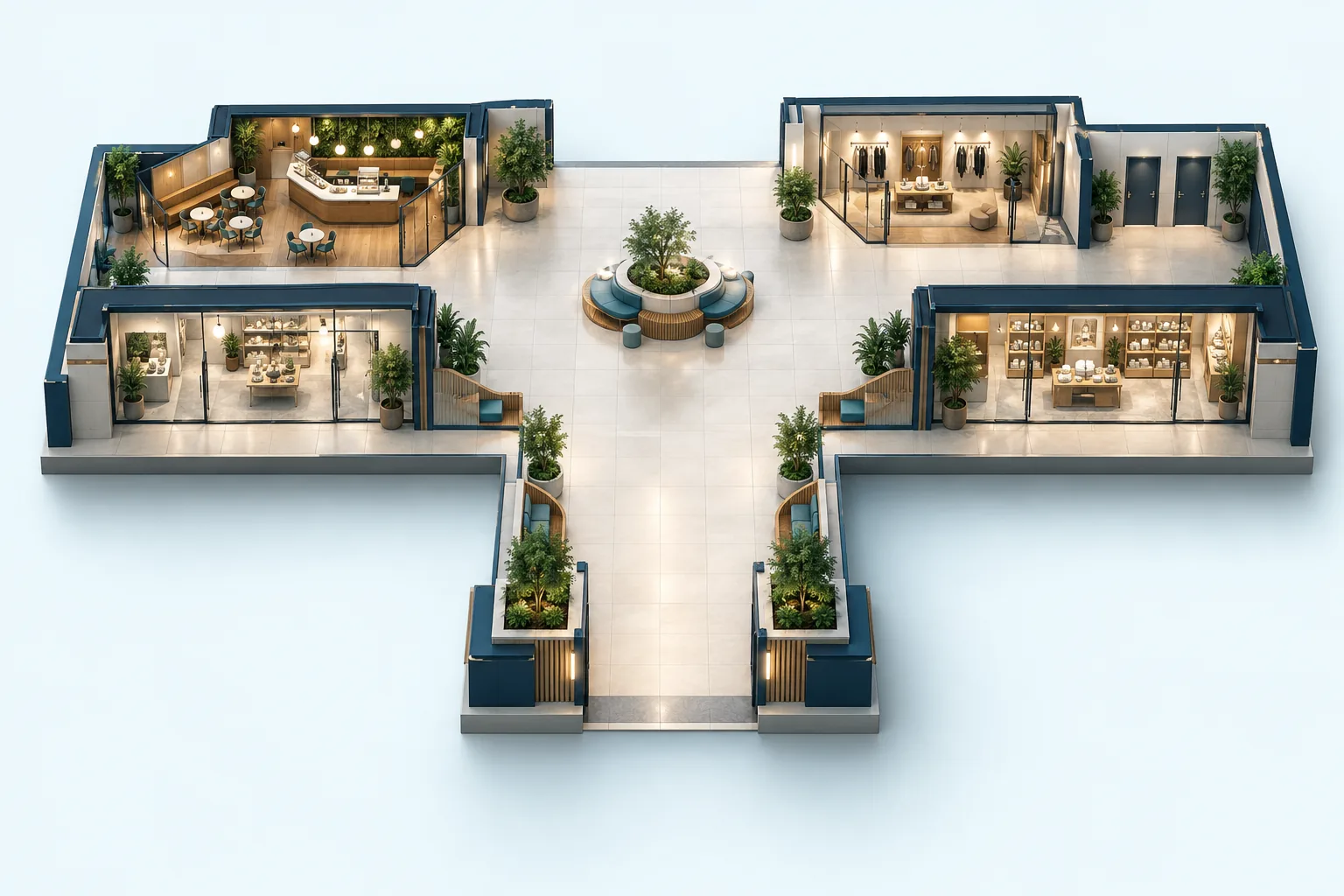
Concept illustration for Universities & campuses
Concept illustration · not a navigation map

For visitors

Everything they’re looking for, in one place.

Lecture hallsLibrariesStudent servicesLabs open to visitorsCafés & parking

Walking guidance by floor, entrance and landmark. Choose accessible routes from verified data, and add a stop only when you want to.

For your team

Clear control over what you manage.

  • Organize buildings, room numbers and accessible entrances.
  • Add temporary orientation and open-day locations.
  • Keep restricted labs and residence access private.

Scan at the entrance. Choose a destination. Go.

An entrance QR opens the venue in the browser without requiring an app install. At a verified venue it also identifies the starting point. Basic navigation needs no personal profile.

Try an example entrance QR

Start with what you already have

What should you prepare?

You don’t need a perfect map. Describe the space and the material you have, then establish what needs mapping and on-site checks.

  1. 1Building and room directory
  2. 2Indoor–outdoor paths and accessible connections
  3. 3Public opening hours and event schedules
Prepare a mapping brief
Venues & eventsPrivacy